Controls & Analytics
Functional low-cost devices. Simple integration. Next-generation analytics. Configurable with AI.
$ docker compose up -d
[+] Running 2/2
 ✔ Network tron-gateway_default  Created
 ✔ Container tron-gateway        Started
$
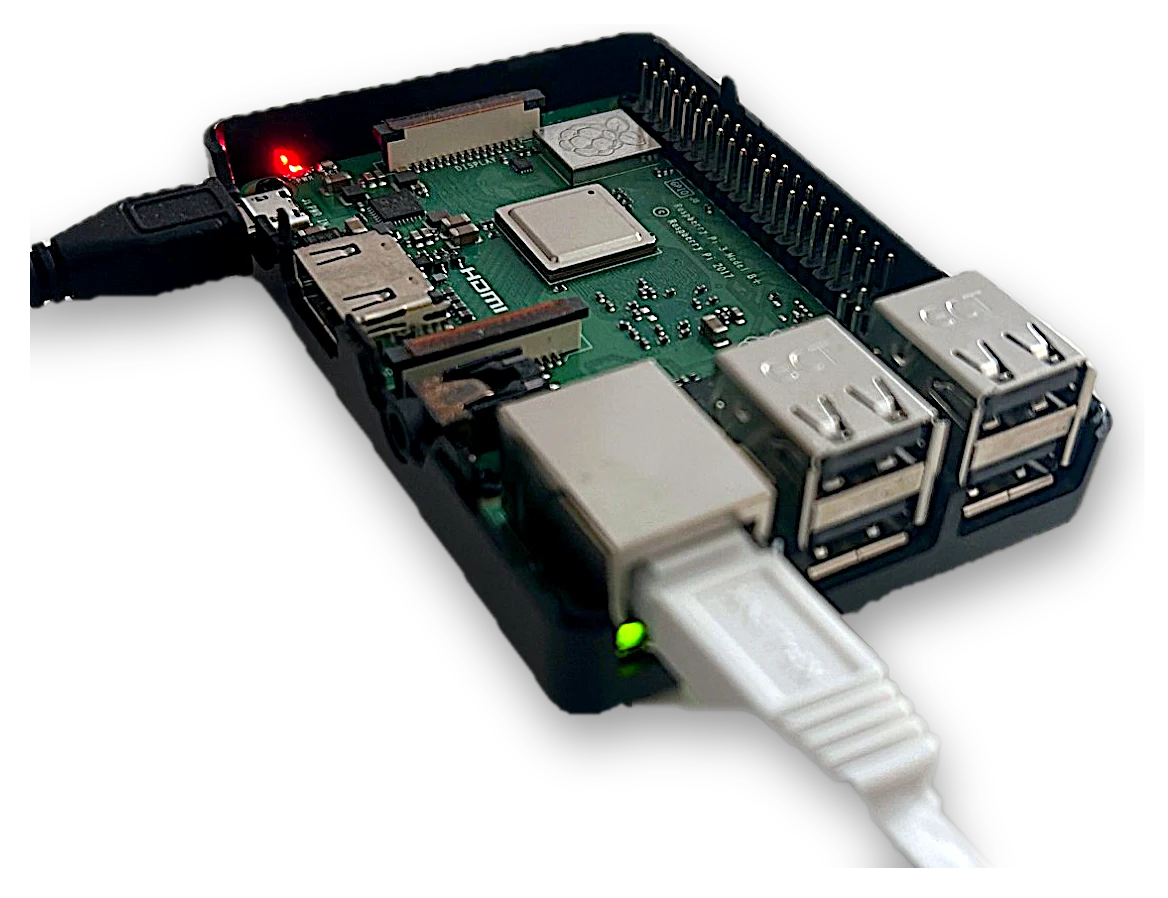
Tron Gateway
Tron Gateway is built to simply and reliably integrate BACnet and Modbus data and send it to cloud apps for use. It connects easily to Maintenance Station to give facilities teams data visibility in our app, or to SkySpark to provide analytics.
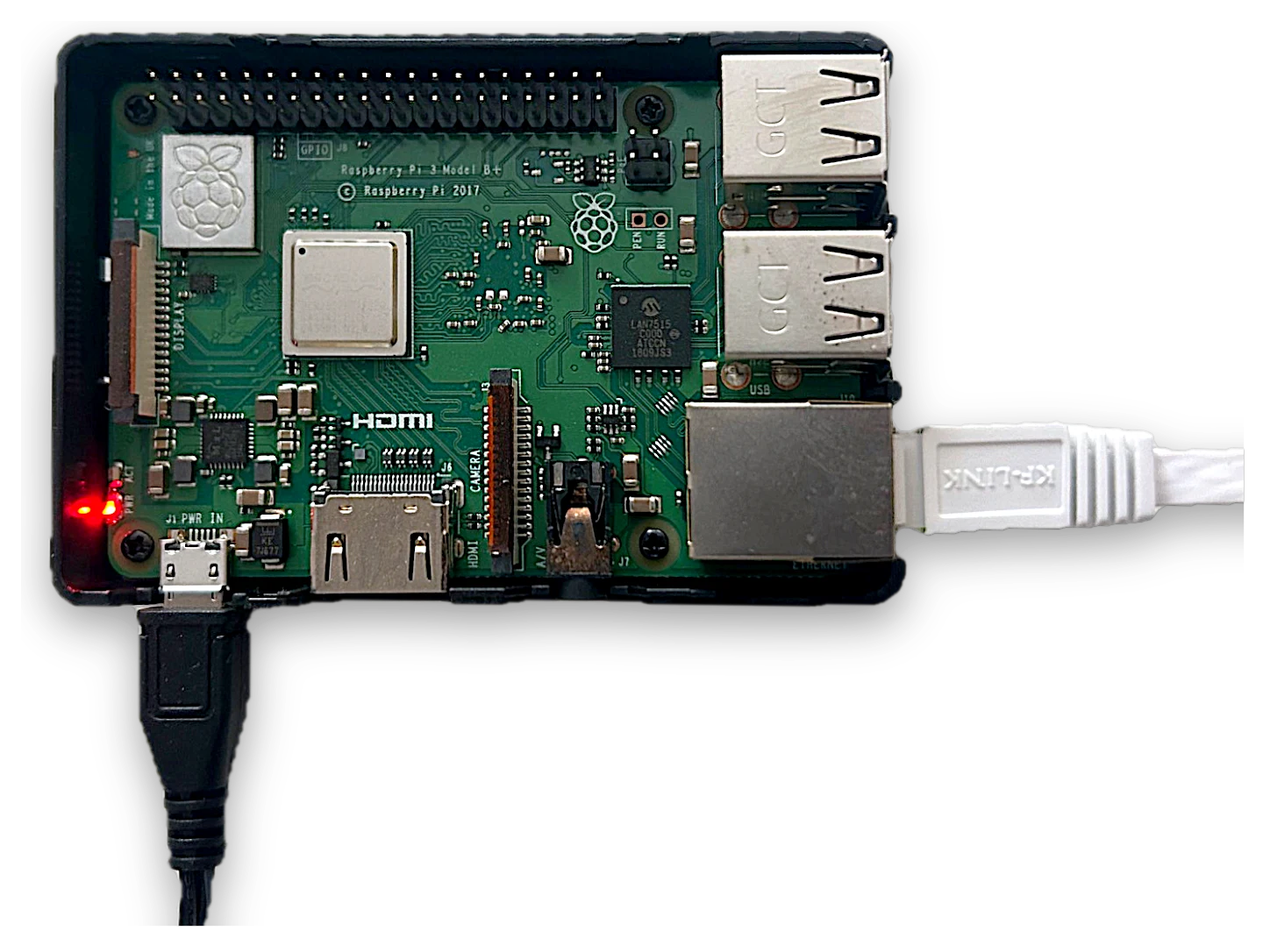
- Built to lower cost on smaller deployments
- Simple protocol integrations
- Remote access
- MCP server
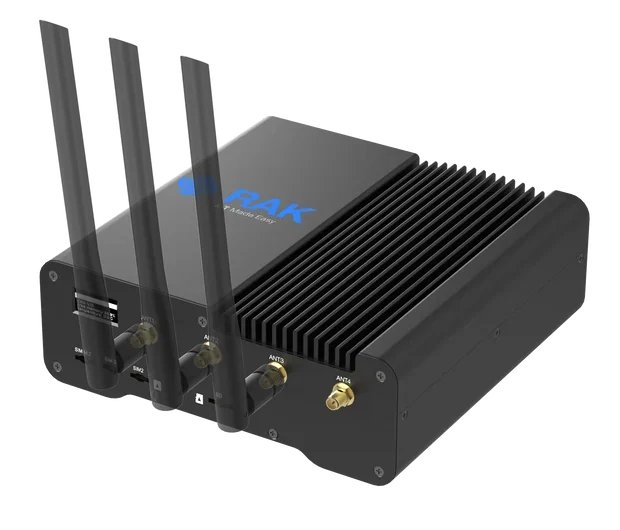
Tron Edge
Tron Edge is built to be an advanced edge device, adding automated integration, network monitoring, alarming, analytics and FDD, graphics, and more. With Tron Edge integrated and Claude connected, it's the easy button for operators to make sure the controls system is running as expected, which means better asset uptime and lower energy use.
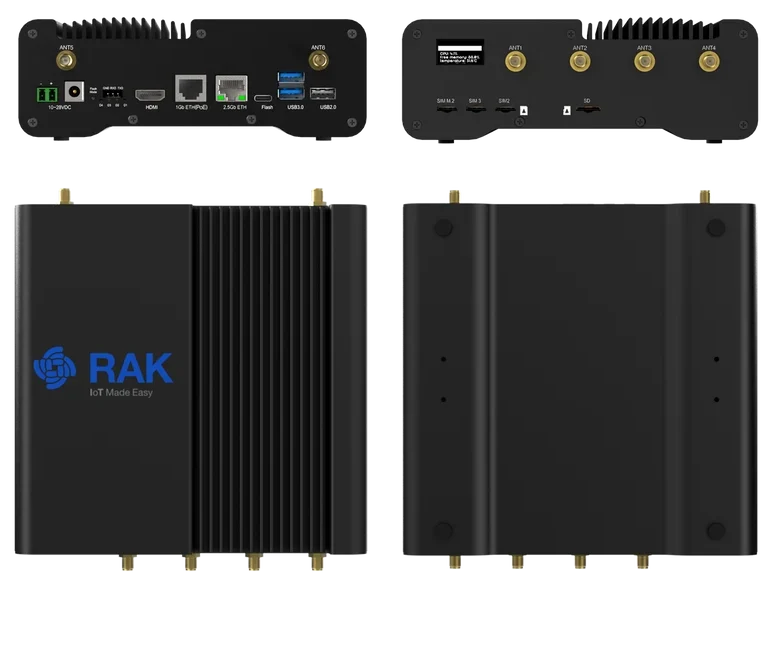
- Automated integration
- LoRaWAN gateway built in, for battery-powered LoRaWAN devices
- Network monitoring and alarming
- Analytics and FDD
- Graphics
One box on the network. The whole building in one app.
The Tron Gateway plugs into the controls network beside your supervisor controller, reads the equipment it already talks to, and puts every point in front of you.
Already in your building
- Chillers
- Boilers
- Pumps
- AHUs
- VAVs
- Exhaust fans
- Domestic water pumps
- Energy meters
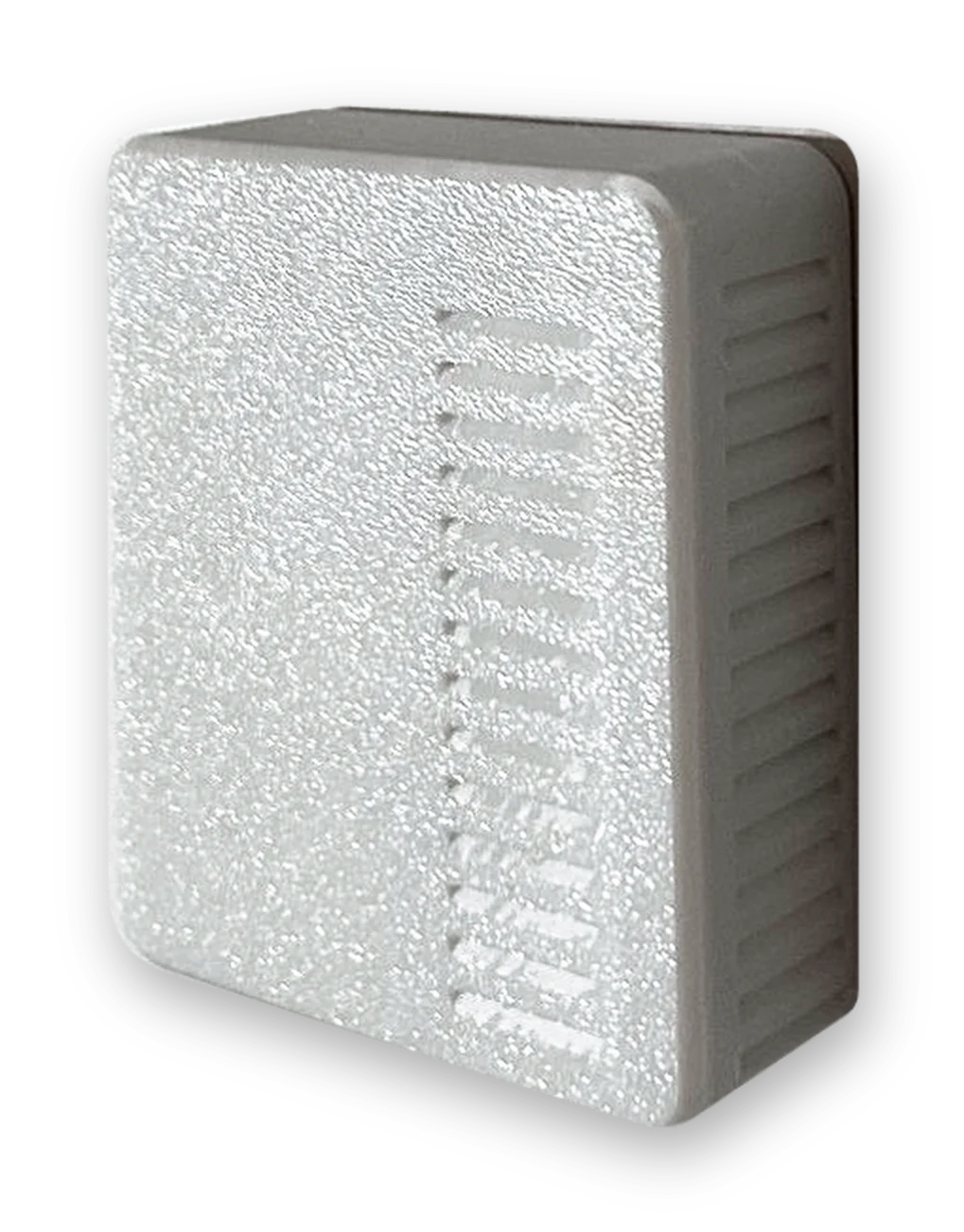 Trons
On the controls network
BACnet · Modbus
Tron GatewayPlugs in beside it. Discovers and maps everything.On your screen
Integrate it yourself. Or ask Claude.
One local engine, two ways to drive it: tools that get a site integrated fast, and an extension that lets Claude run those same tools for you.
For people
You drive
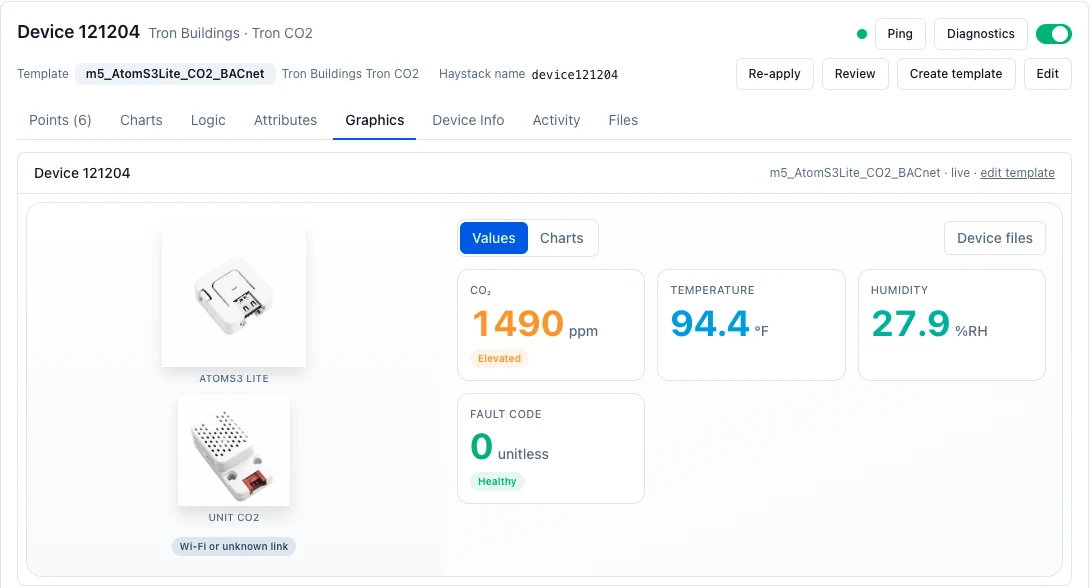
m5_AtomS3Lite_CO2_BACnetTemplate · Tron CO2
| AI1 | CO2 | ✔ mapped |
| AI2 | Temperature | ✔ mapped |
| AI3 | Relative Humidity | ✔ mapped |
| AV1 | Fault Code | ✔ mapped |
| AV2 | Temperature Offset | ✔ mapped |
| AV3 | Altitude | ✔ mapped |
Same device in, same points out — every time
- Discovery finds every device and point on the network.
- Templates map them the same way every time — deterministic, no guessing.
- All the code runs on the gateway, on your network.
For AI
Claude drives
- Read site-integration playbook
- Check sites and current state
- Run BACnet site walk
- Review template decisions
- Resolve validation findings
- Summarize integration and open questions
- Download the Claude Desktop extension from inside the Gateway app.
- Ask for charts, investigations and top issues in plain English.
- Claude calls the same gateway tools you do — with the permissions you give it.
Where Integration Gets Done
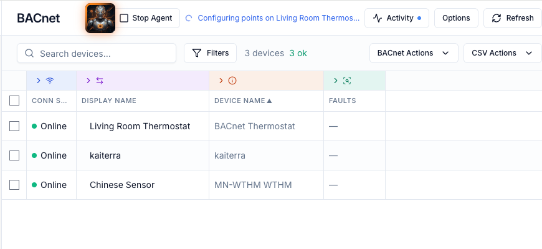
Watch the automated integration workflows and local decision model race away as they make a first pass at configuring your building's integration.
Automated discovery
Plug it into the controls network and it finds every BACnet device and point, then makes a first pass at mapping them — read-only.
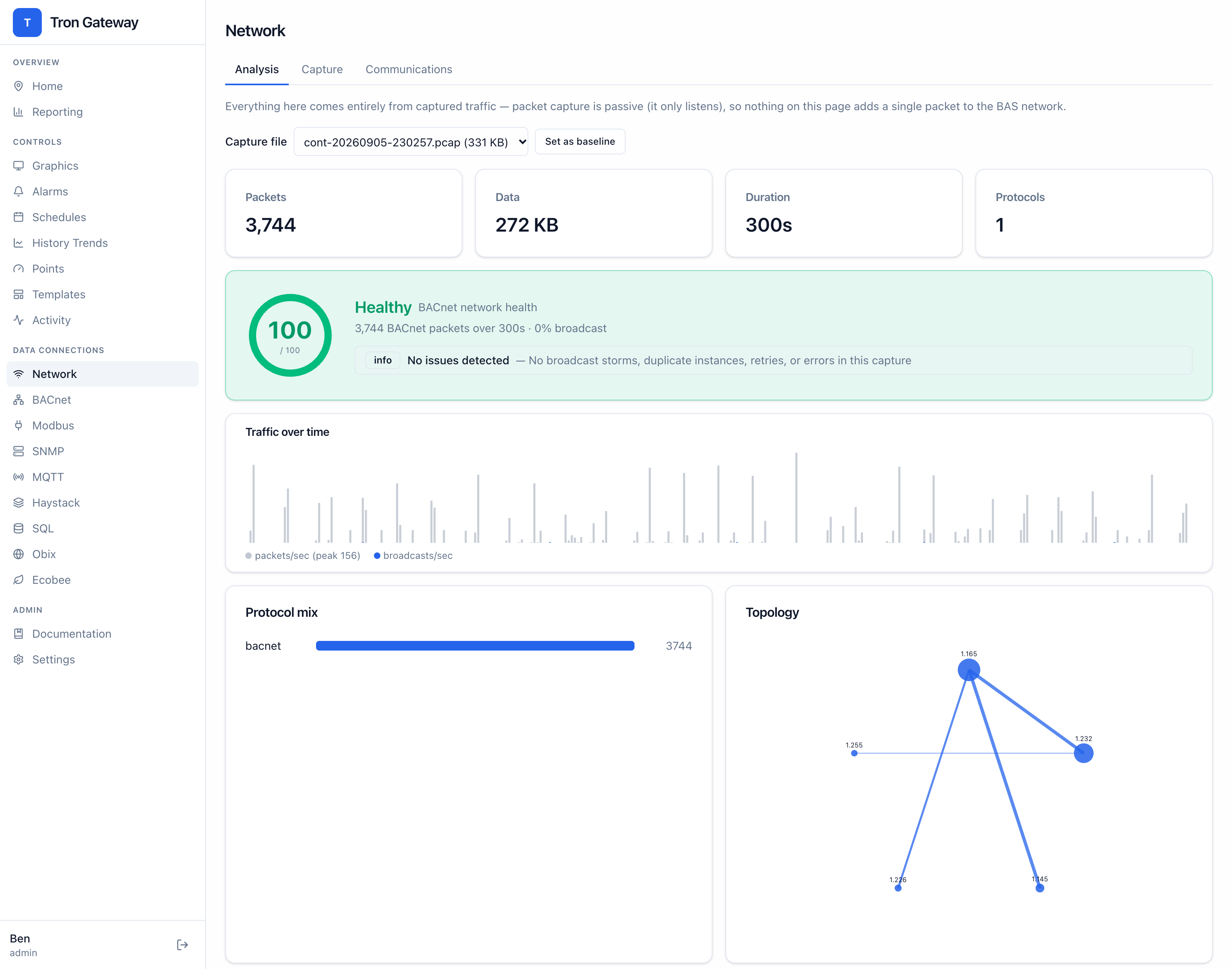
Network analysis
Passive packet capture scores the BACnet network's health. Nothing the gateway does adds traffic to the BAS.
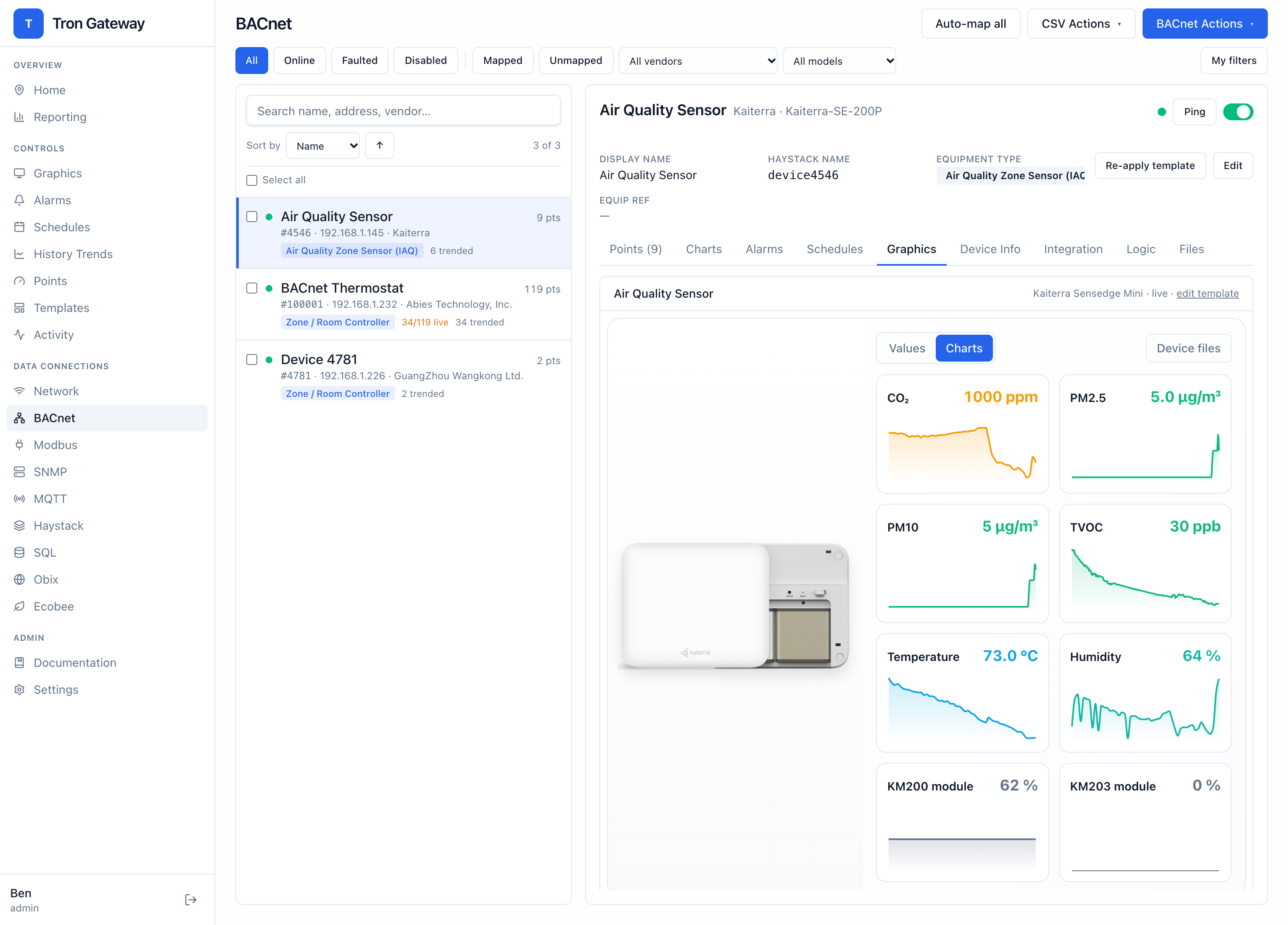
Live trends
Every discovered point and every Tron, charted live — air quality, temperatures, meters — on the gateway itself.
Data where you want it
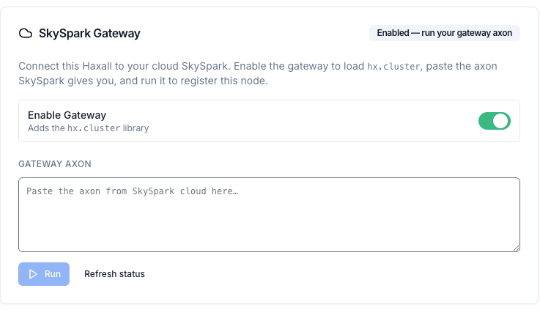
One click to Maintenance Station, native SkySpark sync, a Haystack API, MQTT to your own broker, or CSV.
Speaks your building's language
The Tron Gateway integrates with HVAC, metering, lighting, Trons and other building systems over the protocols they already speak — no new controllers, no rip-and-replace.
- BACnet/IP
- Modbus
- OPC-UA
- Haystack
- MQTT
- SNMP
- SQL
- Obix
Better with Trons
Where the building has no point to read, add a Tron — temperature, CO2, occupancy, a door — for about the price of lunch. The gateway discovers it like any other BACnet device.
Better with Maintenance Station
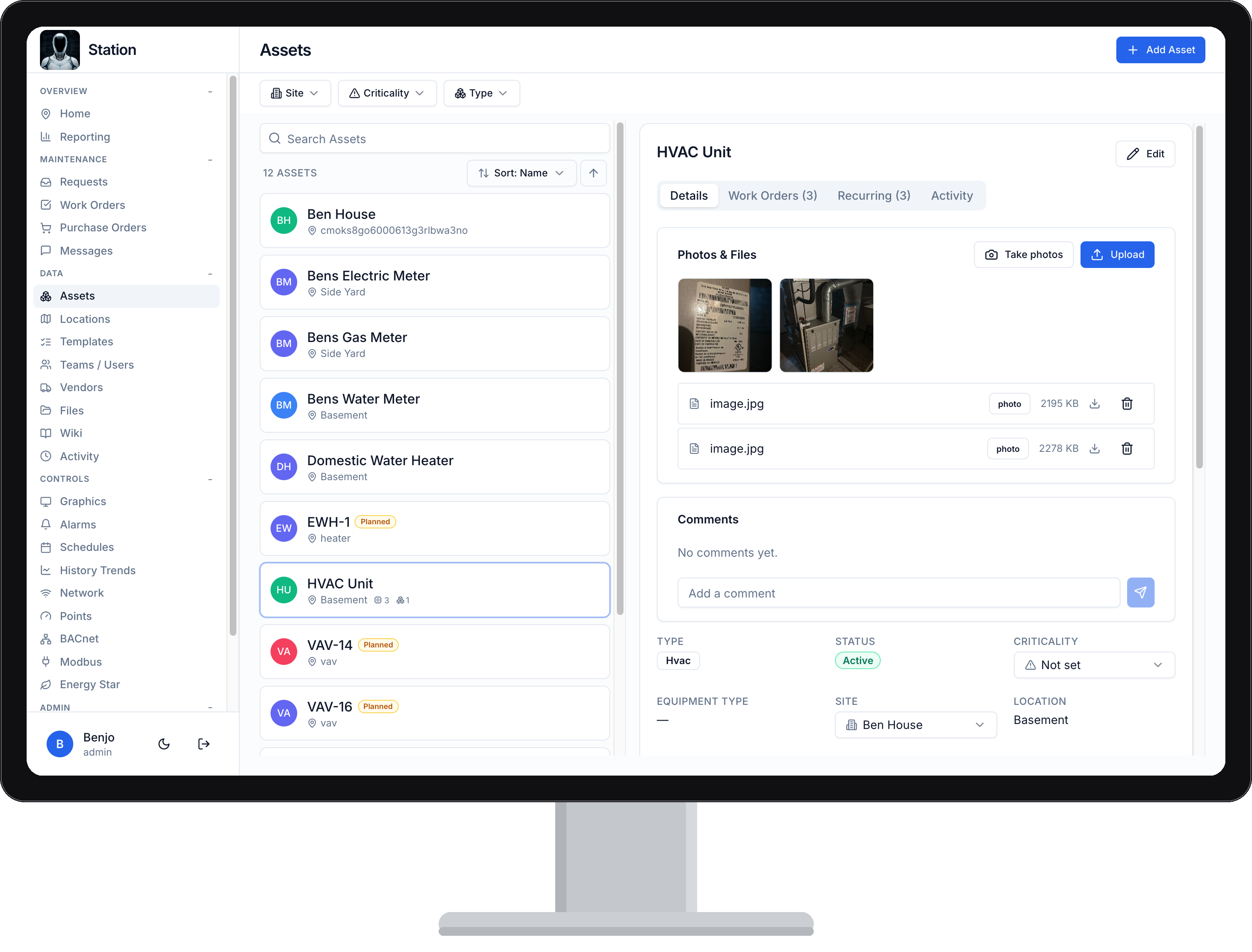
One click sends the gateway's data to Maintenance Station, so your team sees live building data beside every asset and work order — on desktop and on their phones.