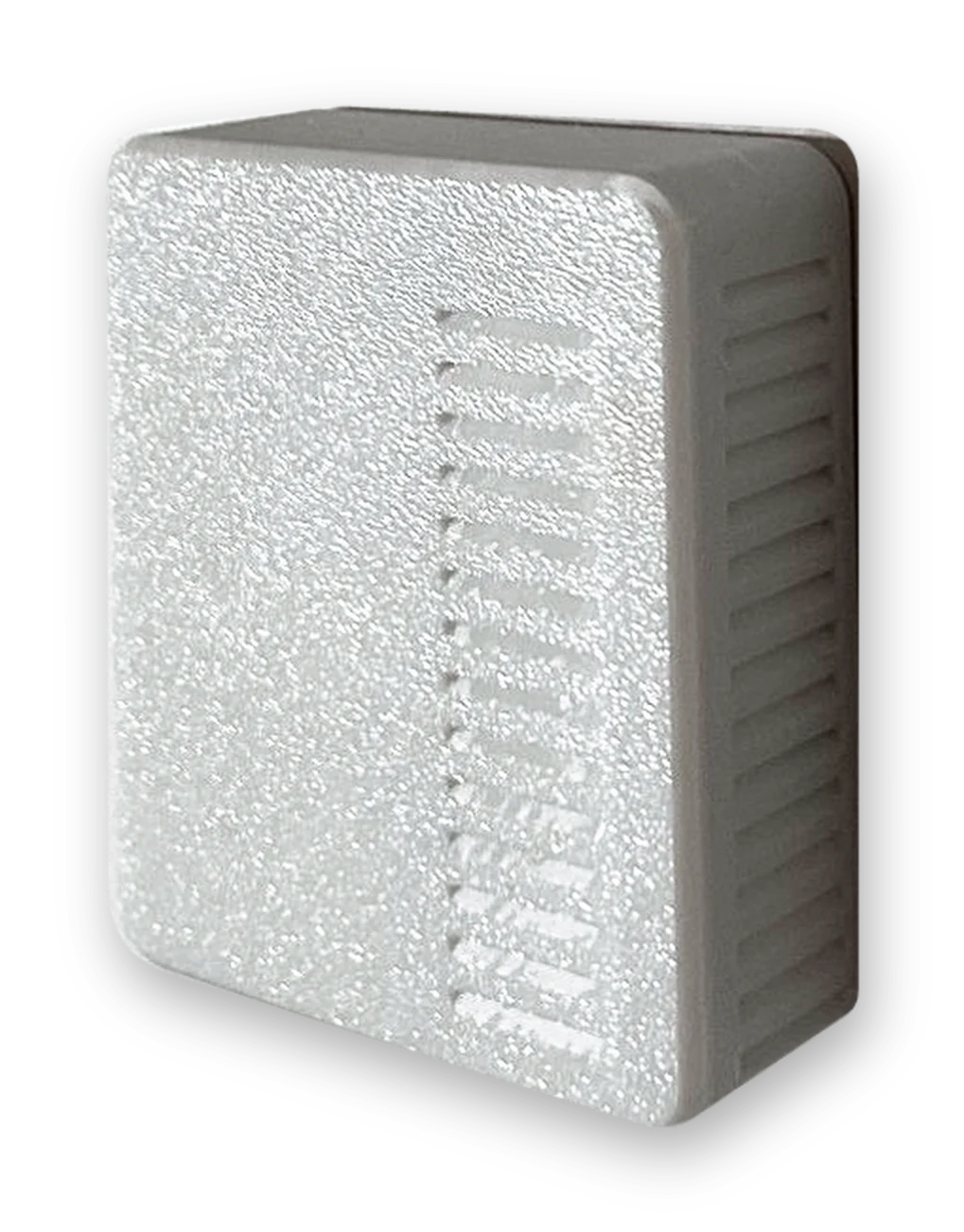
Tron · BACnet/IP · Wi-Fi or PoE
Zone Occupancy
A native BACnet/IP occupancy sensor that sees people sitting still, not only motion.
$50per kit on Wi-Fi — software free with Maintenance Station
What's in the kit
Plug the TMOS PIR into the Atom's Grove port with its included cable, and aim it at the room.
This kit has 3 components:
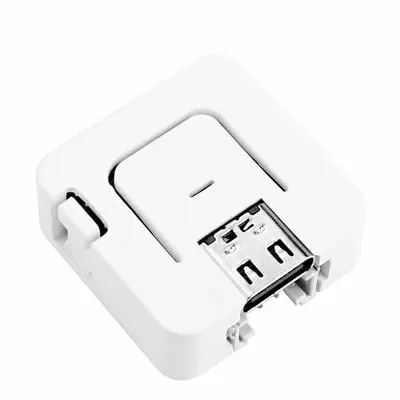
M5Stack AtomS3 Lite
M5Stack C124
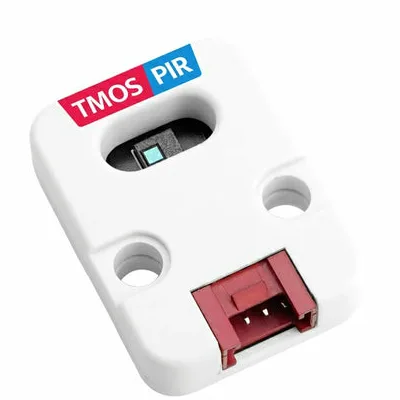
M5Stack TMOS PIR Unit
M5Stack U185
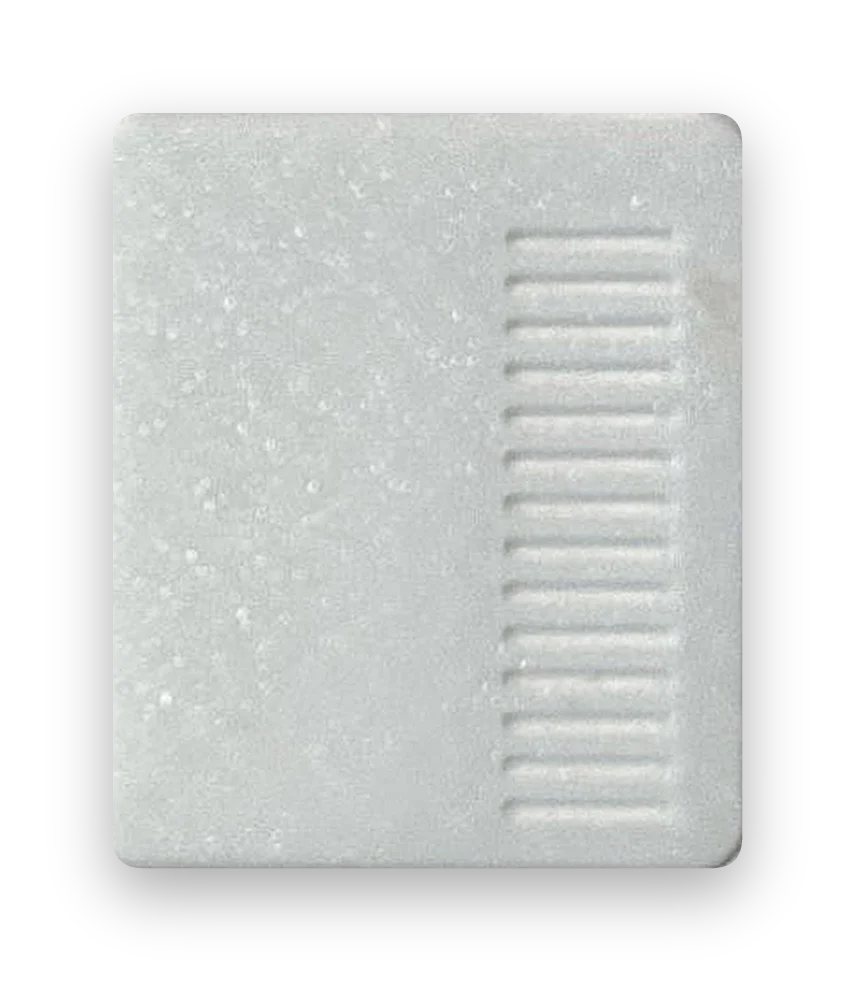
Wall case
A Wi-Fi Tron runs on any 5 V USB power supply, which is not in the kit.
- Shipping, US and Canada
- Free
- Tron software, with a Maintenance Station subscription
- Free
- Kit price, Wi-Fi
- $50
Prefer to source it yourself? Any hardware with these part numbers works. Either way, you install it from Maintenance Station, under Settings → Trons.
How it works
Step 1
Order your kit
Pick your kits, choose Wi-Fi or wired PoE, and check out here. Every kit is off-the-shelf parts, itemized on your invoice.
Step 2
Install from Maintenance Station
Plug the Tron into a laptop with a USB-C data cable. Maintenance Station writes the firmware and its BACnet settings — nothing to download, no code.
Step 3
Connect it
Plug it into a PoE switch port. It answers Who-Is as a native BACnet/IP device — no gateway, no cloud.
Facility staff
Plug the sensor into the Atom, install it from a laptop, mount it.
IT
A PoE (802.3af) port on the BAS network and a DHCP reservation. BACnet/IP on UDP 47808 — nothing needs the internet.
Controls integrator
A unique device instance for each Tron, then discover it and map the points.
BACnet points
One BACnet/IP device per Tron on UDP 47808. You set the device instance and name when you install it; the vendor, model, serial number (MAC) and firmware version are in the Device object.
| Object | Name | Value | Writable |
|---|---|---|---|
| BI1 | Occupancy | Occupied / Unoccupied, held AV2 s after the last detection | — |
| BI2 | Motion | Motion / No Motion, no hold | — |
| AI1 | Presence Level | Sensor presence signal · COV 100 | — |
| AI2 | Motion Level | Sensor motion signal · COV 100 | — |
| AI3 | Sensor Temperature | °F / °C (sensor package, not room air) | — |
| AV1 | Fault Code | Lowest active fault, 0 = healthy · COV 1 | — |
| AV2 | Occupancy Hold Time | Seconds, 0–3600, default 60, persisted | Yes |
| AV3 | Presence Threshold | 10–30000, default 200 (lower = more sensitive) | Yes |
Services: Who-Is / I-Am, Who-Has, ReadProperty, ReadPropertyMultiple, WriteProperty, SubscribeCOV (confirmed or unconfirmed, 8 subscriptions) and DeviceCommunicationControl. Local subnet only — not a BBMD and no foreign-device registration. The fault code alarms on anything above 0: power, sensor, network or BACnet trouble.
Specs
- Sensor
- ST STHS34PF80 infrared presence (M5Stack TMOS PIR)
- Measures
- Occupancy, motion, presence and motion levels
- Update rate
- 4 times a second
- Protocol
- BACnet/IP, native — no gateway
- Network
- Wi-Fi (2.4 GHz) or wired Ethernet with the ATOMIC PoE Base
- Power
- USB-C 5 V, or 802.3af PoE through the PoE Base
- Base device
- M5Stack AtomS3 Lite or Atom Lite — the installer detects which
- Detects body heat, so a person reading at a desk still counts as present.
- Tune the hold time and sensitivity from the BAS with AV2 and AV3.
- Wired PoE is the reliable choice for BACnet: many Wi-Fi access points drop the broadcasts Who-Is discovery relies on.
The software
Price
Free with Maintenance Station
Tron software is free for any account with an active Maintenance Station subscription. No per-device fee.
Hardware
Our kits, or your own
Order a Tron kit here, or buy your own hardware that matches the kit's part numbers. Either one programs the same way.
Ownership
Runs without us
An installed Tron needs no internet or Tron cloud to run. It's a BACnet device on your network for as long as the hardware lasts.
Volume
Buying a lot?
We program and label them for you, and invoice by purchase order.
Not sure it fits your building?
Talk to an engineer about your BAS, network and quantities before you buy.