Work Order Button
An M5Stack AtomS3 Lite programmed to do one thing: create a work order. Name it during setup, stick it on the wall, and every press opens that work order in your Maintenance Station.
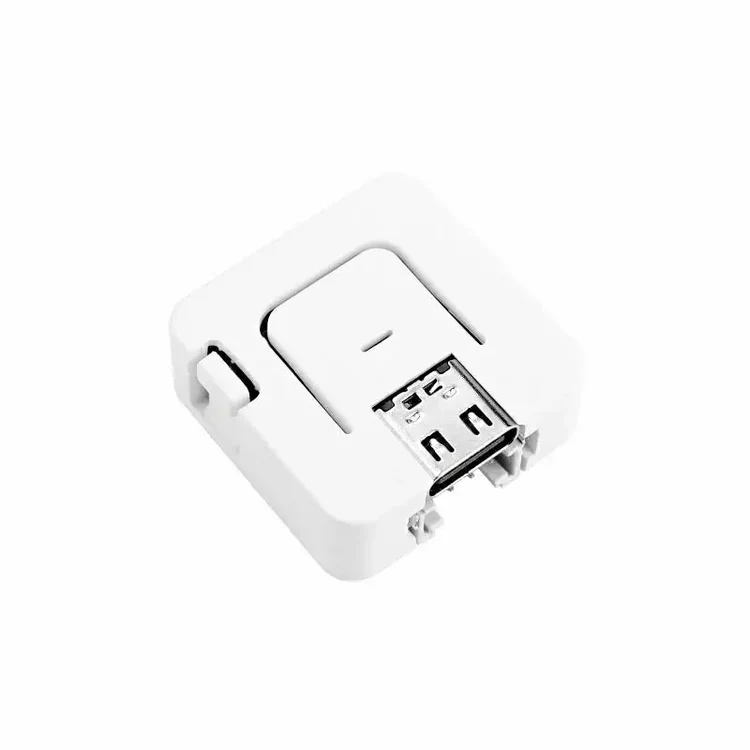
Technical specification
- Hardware
- M5Stack Atom Lite or AtomS3 Lite (customer-supplied, widely available)
- Processor
- ESP32 (Atom Lite) or ESP32-S3 (AtomS3 Lite), with Wi-Fi
- Size
- 24 × 24 mm — smaller than a quarter
- Power
- USB-C
- Controls
- One programmable face button with RGB LED feedback
- Speaks
- MQTT to Maintenance Station — no controls system needed
- Software license
- $10 one-time per device — re-flashing the same device is free
User manual
Buy the device
Purchase an M5Stack AtomS3 Lite from any supplier. We sell the software, not the hardware — the device is yours, bought at hardware prices.
Plug it into your computer
Connect the device over USB-C, log into Maintenance Station, and open Settings → Trons. Programming happens right in the browser — no tools to install.
Name it and join Wi-Fi
Give the button its job during setup — “1st Floor Bathroom Cleaning Request” — and point it at the building's Wi-Fi. The software is a one-time $10 per device, and re-flashing the same device is free.
Mount it and press
Stick it on the wall where the work happens. Every press creates the named work order in Maintenance Station over MQTT, and the LED confirms the request went through.
Trons are minimal-cost devices and are not suitable for use in critical, life-safety, or any other high-risk applications.